
CBSE Class 12 Board Exam Results 2026: Expected Release Date and How to Check
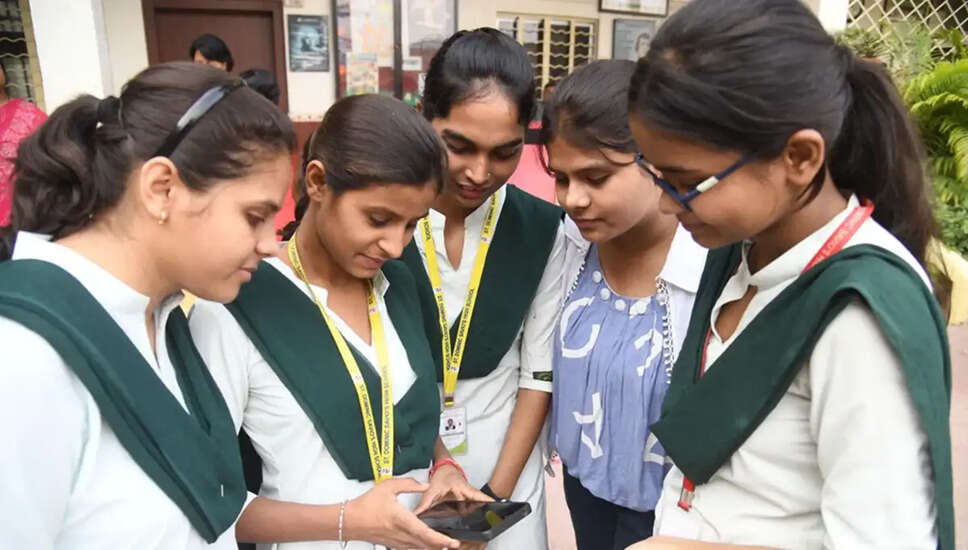
CBSE Class 12 Results Announcement
The Central Board of Secondary Education (CBSE) is anticipated to declare the results for the Class 12 Board Examinations for the year 2026. An update has been posted on the DigiLocker portal, which currently indicates "Coming Soon," suggesting that the process for announcing the results is underway. Historically, the CBSE Class 12 results are typically released around May 12 or 13. However, the Board has yet to provide any official confirmation regarding the specific date or time for the announcement.
Where to Access the Results
Once the results are made public, students can check their scores on the official CBSE websites: cbse.gov.in, results.cbse.nic.in, and results.cbse.gov.in. Additionally, similar to previous years, digital mark sheets will be accessible on DigiLocker, allowing students to download verified copies of their Class 12 certificates and scorecards.
Steps to Check Results on DigiLocker
1. Visit the official DigiLocker website at results.digilocker.gov.in or open the DigiLocker app.
2. Log in using your registered mobile number or Aadhaar-linked credentials.
3. Navigate to the "Education" or "CBSE" section.
4. Select "CBSE Class 12 Results 2026" or "Class XII Marksheet."
5. Enter the required details such as your Roll Number, School Code, and Admit Card ID.
6. Click "Submit" to view your result.
7. You can now view and download your digital mark sheet.
Checking Results via the UMANG App
1. Download and install the UMANG app from the Play Store or App Store.
2. Go to the "Services" section and select "CBSE."
3. Log in using your registered mobile number via an OTP or MPIN.
4. Enter your Registration Number and other required details.
5. Submit the information to view your CBSE Class 12 result.
What If You Don't Pass?
As per CBSE guidelines, students must achieve at least 33 percent marks in both theory and practical exams to pass the Class 12 examination. If a student scores below this threshold, they will be deemed to have failed. However, CBSE offers a second chance for such students through a compartment examination.